How to Make a Website: A Beginner’s Step-by-Step Guide

date icon
date icon

How to make a website step by step: crane placing blocks into a browser window layout with ruler and brush

From planning to launch—with WordPress or a website builder

Making a website in 2026 does not require coding skills. Most people can create a functional site by combining a domain name, web hosting, and either WordPress or a website builder. The process is straightforward once you understand the steps.

This guide walks through the practical process for beginners, with a focus on self-hosted options that give you ownership and flexibility. Canadian users can handle domain and hosting together through providers such as 4GoodHosting.

Step 1: Plan Your Website

Before building, decide:

  • The main purpose (personal, business, blog, portfolio, online store)
  • Who the site is for
  • Essential pages (Home, About, Services/Products, Contact, Blog)

A simple five-page site is enough for most small businesses and personal projects. Clear planning reduces rework later.

Step 2: Choose Your Method

Two main approaches:

  • Website builders (Wix, Squarespace, etc.) — Easiest for absolute beginners. Hosting is usually included. Less flexibility long-term.
  • WordPress (self-hosted) — More flexible and widely used. Requires separate hosting. One-click installers make setup easy. Better for growth and customization.

For most people who want ownership and future flexibility, self-hosted WordPress is the recommended path. Builders are fine for simple sites that will stay small.

Step 3: Get a Domain and Hosting

You need both a domain name and web hosting to put a site online.

  1. Register a domain (e.g., yourname.ca or yourname.com).
  2. Purchase hosting. Low-cost Canadian shared hosting plans from 4GoodHosting start at $2.95 CAD per month and include Canadian servers, free SSL, and one-click WordPress installation via Softaculous.

Some 4GoodHosting plans include a free domain for the first year, which simplifies the process. Managing domain and hosting in one place reduces setup friction.

Step 4: Install WordPress (if using WordPress)

Most hosts, including 4GoodHosting, offer one-click WordPress installation:

  1. Log in to your hosting control panel (cPanel).
  2. Find Softaculous or the WordPress installer.
  3. Click Install, choose your domain, set the site title and admin details, and complete the installation.
  4. Log in to your WordPress dashboard at yourdomain.com/wp-admin.

Step 5: Choose a Theme and Build Pages

In WordPress:

  • Go to Appearance → Themes and install a free or premium theme.
  • Customize colors, fonts, and layout using the Customizer or a page builder plugin if needed.
  • Create pages (Pages → Add New) for Home, About, Contact, and any other sections.
  • Add your content, images, and a contact form (using a plugin such as WPForms or Contact Form 7).

If using a website builder, the process is similar but happens inside the builder’s drag-and-drop interface.

Step 6: Launch and Basic Setup

  • Connect your domain to the hosting (update nameservers if needed).
  • Enable free SSL (most hosts provide this automatically or with one click).
  • Test the site on desktop and mobile.
  • Set up basic SEO (install an SEO plugin such as Rank Math or Yoast if using WordPress).
  • Submit the site to Google Search Console.

Canadian Considerations

Using a .ca domain and Canadian hosting can improve local trust and performance for Canadian visitors. Providers such as 4GoodHosting offer both domain registration and hosting with Canadian servers (Vancouver and Toronto), CAD pricing, and free SSL. Registered Canadian charities can also access free hosting through 4GoodHosting’s charity program.

Summary

To make a website: plan the purpose and pages, choose WordPress or a builder, get a domain and hosting, install the platform, build the pages, and launch. Self-hosted WordPress with Canadian hosting is a flexible, low-cost option for most beginners.

4GoodHosting simplifies the process with low-cost plans starting at $2.95 CAD per month, one-click WordPress installation, and the option to register domains in the same portal.

Next step: Choose a domain name, select a hosting plan, and install WordPress. Then create your core pages and publish.

Related Posts

post
date icon
date icon
Free web hosting for charities in Canada is available, but usually only to CRA-registered charities, and free plans have limits. 4GoodHosting’s free charity plan includes 1 GB of storage, 1,000 GB of transfer, one email account and cPanel....
post
date icon
date icon
Short answer: Selling online in Canada takes three bits of setup most store owners leave too late. First, register for sales tax when you have to and charge the rate for where each order is delivered, not where...
post
date icon
date icon
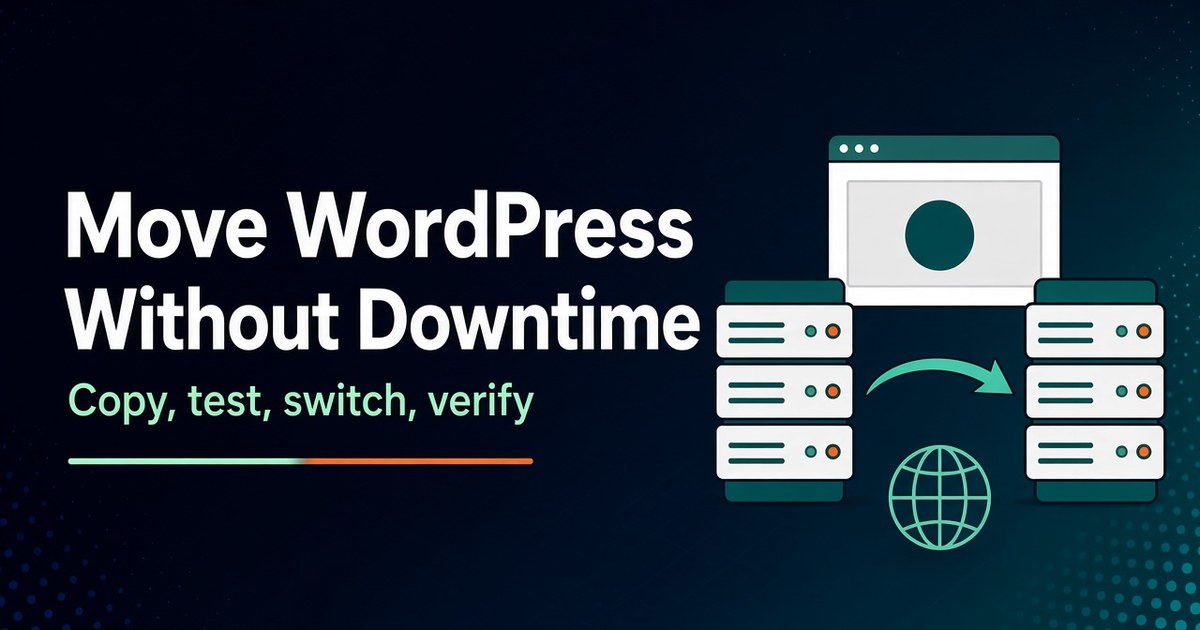
Short answer: To migrate WordPress to a new host without downtime, keep the old site running while you build an exact copy on the new server. Test that copy through your computer’s hosts file so the site’s URLs...
post
date icon
date icon
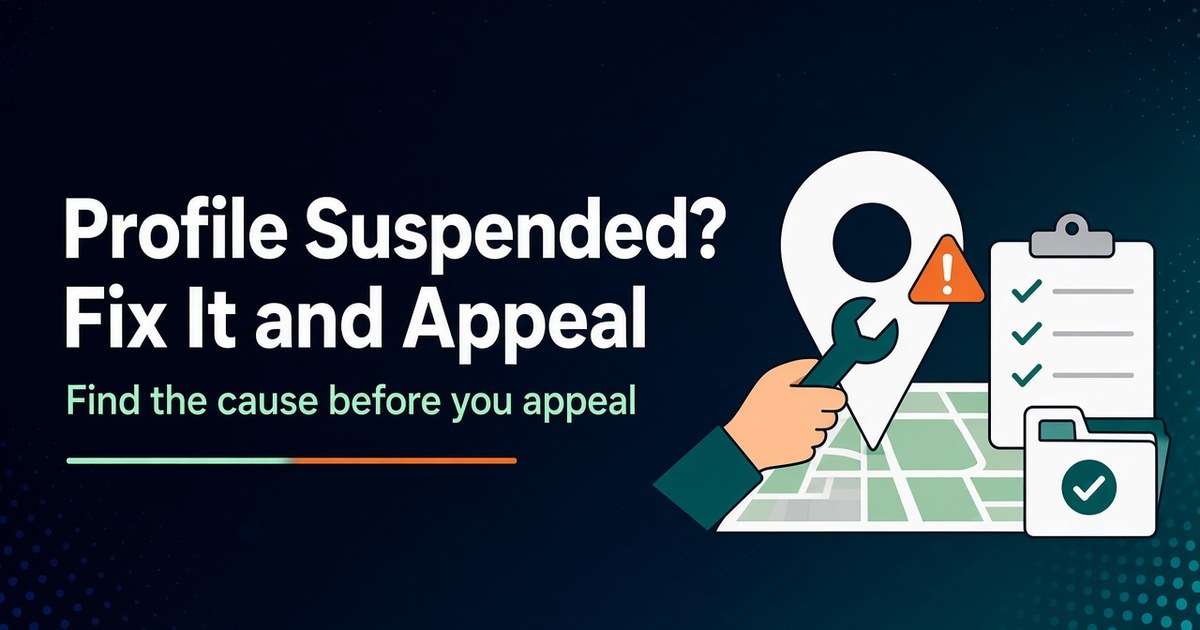
Short answer: If your Google Business Profile is suspended, don’t create a new profile, and don’t appeal straight away. First find which policy you broke by opening Google’s Business Profile appeals tool, which shows the decision, the reason...
post
date icon
date icon
Short answer: Here’s what to do when your website is down: first confirm it’s down for everyone, not just your computer. Then read the exact error to work out which layer failed: the domain, DNS, the security certificate,...
post
date icon
date icon
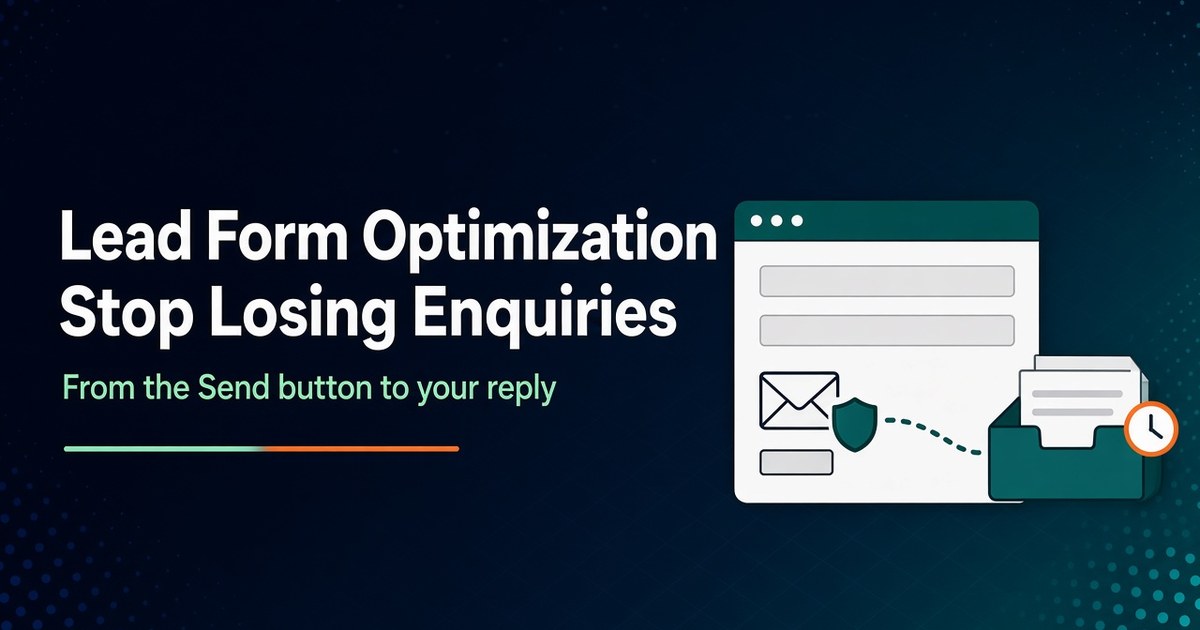
Short answer: Lead form optimization means fixing every point where an enquiry can be lost, not just the form’s design. A contact or quote form can lose a lead in six places: the questions it asks, how hard...
© 2026 p4e.ca. All rights reserved.