November 2, 2026
 Hosting, Managed WordPress Hosting Canada, WordPress
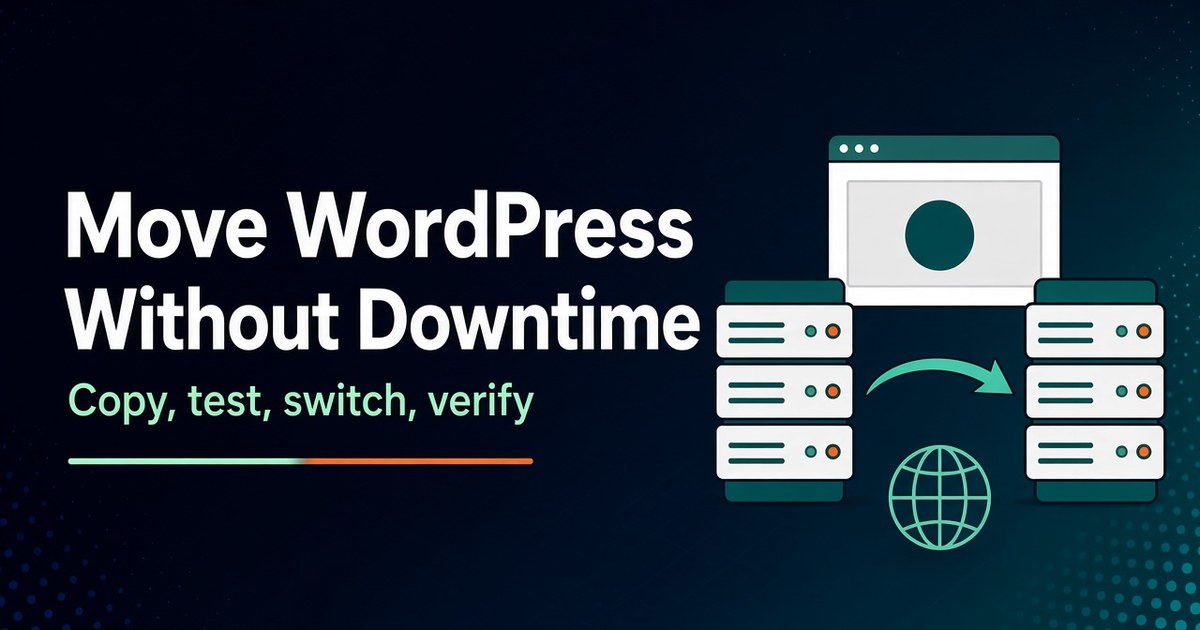
Short answer: To migrate WordPress to a new host without downtime, keep the old site running while you build an exact copy on the new server. Test that copy through your computer’s hosts file so the site’s URLs never change. Then pause orders and edits, copy the database one last time, and point DNS at the new server. Keep the old server untouched until traffic, email and scheduled tasks have...
November 2, 2026
Hosting, Security & Compliance, WordPress
Short answer: Here’s what to do when your website is down: first confirm it’s down for everyone, not just your computer. Then read the exact error to work out which layer failed: the domain, DNS, the security certificate, the hosting server, the website software, or an attacker. Contact the party who controls that layer, tell customers briefly, and only restore a backup once you know the cause and know a...
November 2, 2026
Business, Hosting, Web Hosting Canada
Short answer: You need a dedicated server when a measured, lasting limit can’t be fixed more cheaply. Examples are a database that saturates the largest VPS you can buy, sustained CPU steal from other tenants, software licensed per physical core, or a contract that requires single-tenant hardware. You probably don’t need one if your site is slow because of plugins or missing caching, if your traffic spikes and then falls...
November 2, 2026
Hosting, Security & Compliance, VPS Hosting canada
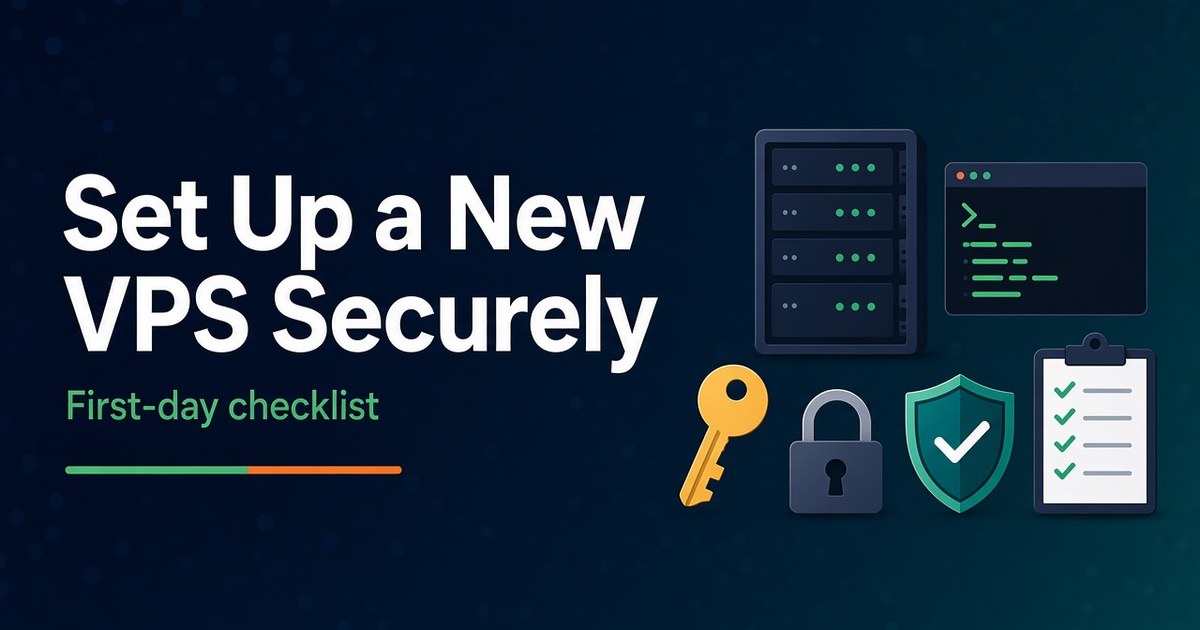
Short answer: Setting up a new VPS takes about an hour of careful work. Make the decisions that are hard to undo before you order: managed or self-managed, operating system, control panel and data centre. Once the server is running, update it, create a named admin user with sudo, switch SSH to key-only logins, turn on a firewall that allows only the ports you use, add brute-force protection and automatic...
November 2, 2026
Hosting, Security & Compliance, Web Hosting Canada
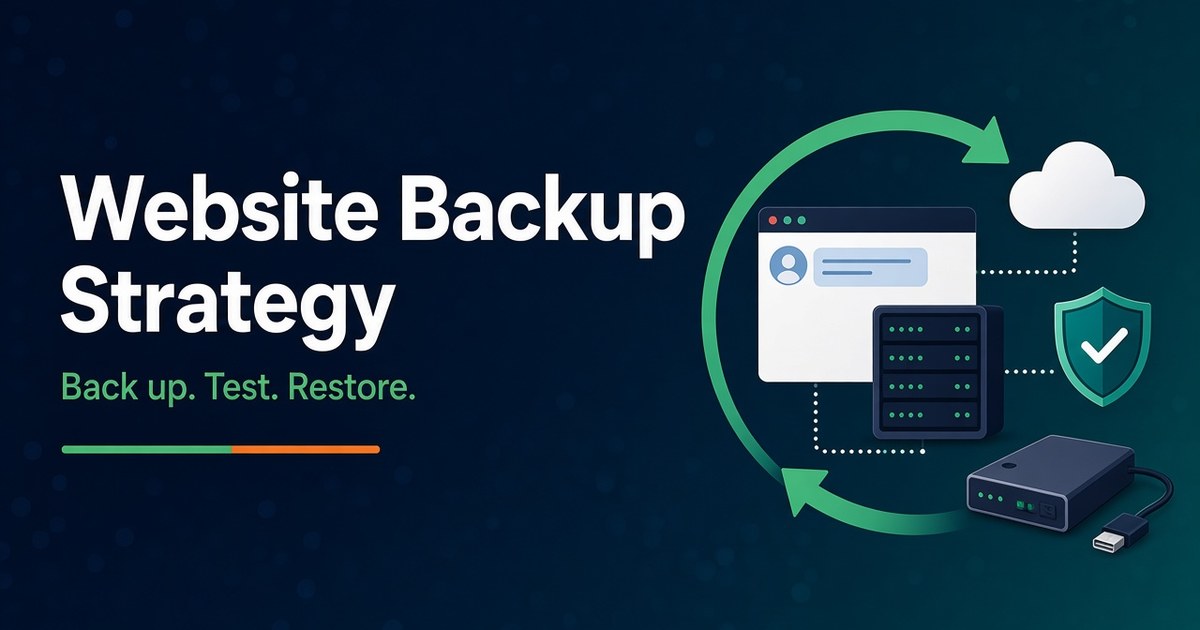
Short answer: A website backup strategy is only as good as your last successful restore. Decide how much data you can afford to lose and how long you can be offline. Back up the files and the database together, on a schedule that matches how often the site changes. Keep at least three copies, and make sure one of them sits outside your hosting account, ideally offline or impossible to...
November 2, 2026
Hosting, Hosting Performance, Web Hosting Canada
Short answer: You need to upgrade your web hosting plan when your account keeps hitting its limits during normal use, not just once. The clearest signs are resource-limit faults in your control panel, 508, 503 or 500 errors at busy times, slow server response on uncached pages, storage, inode or mailbox caps you keep bumping into, and needs your plan can’t meet, such as SSH access or a current PHP...
October 30, 2026
Hosting, SEO, SEO & AI Search
Short answer: No, duplicate content doesn’t earn your site a penalty. Google and Bing both say so in their own documentation. The real cost is control. When the same content lives at several URLs, the search engine groups the copies, picks one to show, and filters out the rest. Its pick may not be yours. Links and other signals can end up split across the copies, crawlers spend time on...
October 30, 2026
Hosting
A practical guide to automatic updates, backups, performance, and Canadian data residency Managed WordPress hosting in Canada means the hosting provider handles the technical maintenance of your WordPress site—core updates, daily backups, security monitoring, and performance optimization—while your site runs on servers located in Canada. This is different from standard shared hosting, where you are responsible for most WordPress upkeep yourself. For Canadian businesses, non-profits, and professionals who want a...
October 30, 2026
Hosting
A practical step-by-step guide for Canadian small businesses A business website establishes credibility, helps customers find you, and supports inquiries or sales. Most small businesses can launch a professional site in a weekend using self-hosted WordPress without writing code. This guide covers the essential steps. Canadian businesses can keep costs low with hosting from 4GoodHosting. Step 1: Define the Purpose Decide the main action you want visitors to take (call,...
October 30, 2026
Hosting
From planning to launch—with WordPress or a website builder Making a website in 2026 does not require coding skills. Most people can create a functional site by combining a domain name, web hosting, and either WordPress or a website builder. The process is straightforward once you understand the steps. This guide walks through the practical process for beginners, with a focus on self-hosted options that give you ownership and flexibility....