November 2, 2026
 Hosting, Security & Compliance, WordPress
Short answer: Here’s what to do when your website is down: first confirm it’s down for everyone, not just your computer. Then read the exact error to work out which layer failed: the domain, DNS, the security certificate, the hosting server, the website software, or an attacker. Contact the party who controls that layer, tell customers briefly, and only restore a backup once you know the cause and know a...
November 2, 2026
Business, WordPress
Short answer: Lead form optimization means fixing every point where an enquiry can be lost, not just the form’s design. A contact or quote form can lose a lead in six places: the questions it asks, how hard it is to fill in, spam checks that block real people, notification emails that never arrive, third-party scripts that handle what people type, and slow replies. Test the whole path, from the...
November 2, 2026
Security & Compliance, SEO & AI Search
Short answer: Agentic browsers are browsers, or browser extensions, that can do things on the web for a person rather than just showing pages. They read your page through screenshots, the HTML and the accessibility tree, then click, type and fill in forms. For a website owner, getting ready is mostly about basics you already know, with a few new controls. Decide which AI crawlers and user-triggered agents you allow,...
November 2, 2026
Hosting, Security & Compliance, VPS Hosting canada
Short answer: Setting up a new VPS takes about an hour of careful work. Make the decisions that are hard to undo before you order: managed or self-managed, operating system, control panel and data centre. Once the server is running, update it, create a named admin user with sudo, switch SSH to key-only logins, turn on a firewall that allows only the ports you use, add brute-force protection and automatic...
November 2, 2026
Hosting, Security & Compliance, Web Hosting Canada
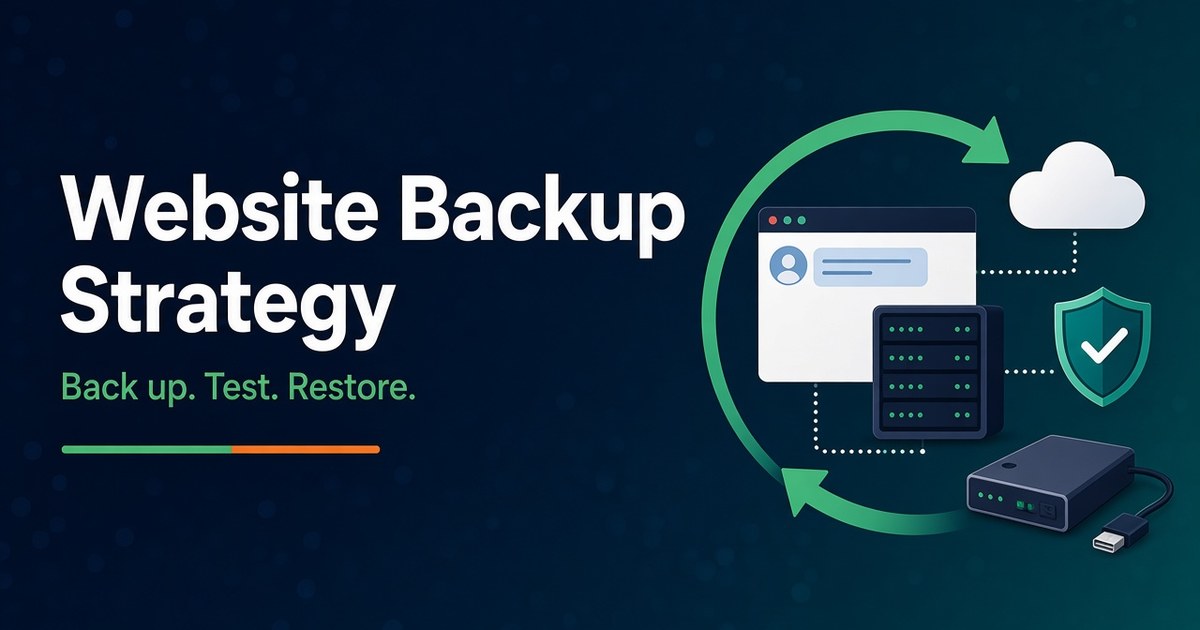
Short answer: A website backup strategy is only as good as your last successful restore. Decide how much data you can afford to lose and how long you can be offline. Back up the files and the database together, on a schedule that matches how often the site changes. Keep at least three copies, and make sure one of them sits outside your hosting account, ideally offline or impossible to...
November 2, 2026
Business, Canadian Hosting, Security & Compliance
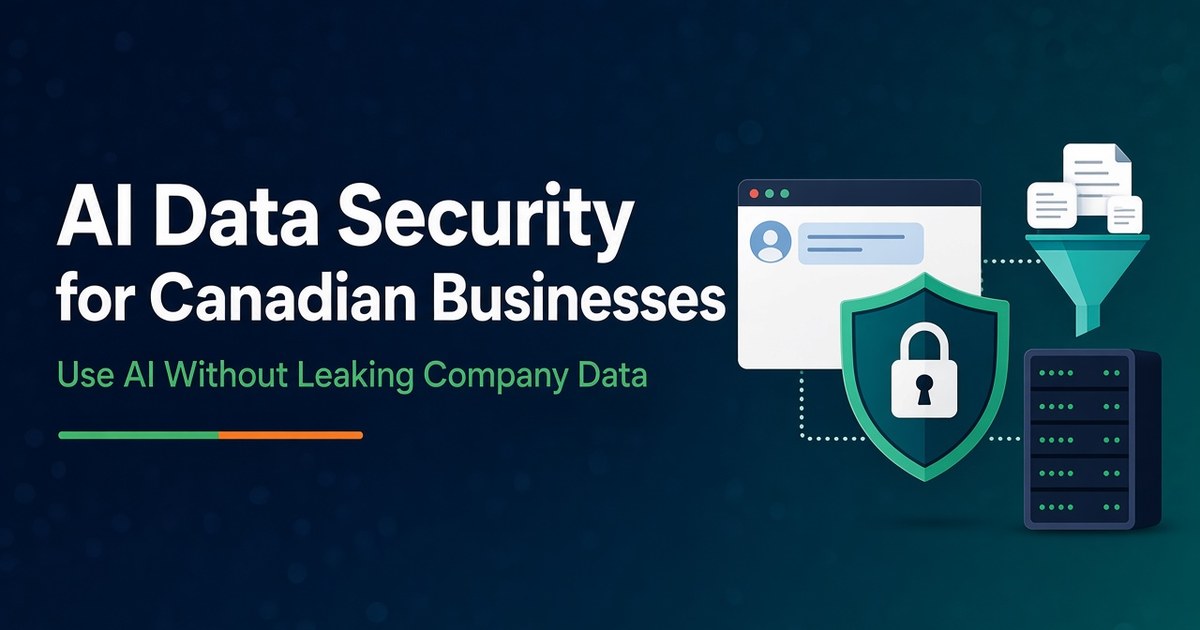
Short answer: AI data security means controlling what company information goes into AI tools, what the vendor can do with it, and what the tool can reach or do once it is connected to your systems. For most Canadian businesses, the fixes are not exotic. Use business accounts that don’t train on your data. Set a simple rule about what may never be pasted into a prompt. Fix file permissions...
October 30, 2026
Hosting
A practical guide to automatic updates, backups, performance, and Canadian data residency Managed WordPress hosting in Canada means the hosting provider handles the technical maintenance of your WordPress site—core updates, daily backups, security monitoring, and performance optimization—while your site runs on servers located in Canada. This is different from standard shared hosting, where you are responsible for most WordPress upkeep yourself. For Canadian businesses, non-profits, and professionals who want a...