
 June 29, 2026
 Canadian Hosting, Managed WordPress Hosting Canada
WordPress powers a remarkable share of the web, which means “WordPress hosting” has come to mean almost anything. A two-dollar shared plan will happily run WordPress. So will a self-administered server you patch yourself at midnight. So will a fully tended platform where someone else worries about caching, updates, and the 3 a.m. security alert. They all carry the same software, yet the experience of running a business on them could hardly be more different. The word that separates them is “managed,” and understanding what it genuinely covers is the first real decision you make.
This guide is built for the owner or marketer who has a WordPress site that actually matters — one tied to leads, sales, or reputation — and who would rather spend time on the business than on server maintenance. It walks through what managed truly includes, the features worth treating as non-negotiable, the questions that expose a weak provider, and why hosting your site close to home, inside Canadian data centres, quietly improves both performance and peace of mind.
Strip away the marketing and a managed arrangement is a division of labour. You own the content, the design, and the strategy. The provider owns the unglamorous machinery underneath: server tuning, performance caching, the steady drip of WordPress and plugin updates, monitoring, backups, and the defensive work that keeps attackers out. With Managed WordPress Hosting in Canada done properly, the platform is shaped specifically around WordPress rather than treated as one more generic app dropped onto a generic server.
The contrast with a do-it-yourself setup is stark. On an unmanaged box, every optimization and every patch is your responsibility, and the cost of forgetting one is real. A managed platform folds that expertise into the service, so the speed and security a specialist would configure are simply there from the start. For a small team without a dedicated systems person, that handover is often the entire reason to choose this route.
Plans vary widely, and glossy feature lists can blur the line between essentials and decoration. The items below are the ones that genuinely shape how a business site performs and survives. Treat anything missing here as a warning sign.
Speed should be engineered at the platform level. Look for server-side caching — a LiteSpeed cache layer is a strong sign — paired with quick flash storage and a content delivery network. These are the things that turn a sluggish theme-heavy site into one that loads briskly, and they are far more effective when the host configures them for WordPress specifically rather than leaving you to wire them together.
WordPress, its themes, and its plugins update constantly, and outdated components are the leading way sites get compromised. A capable provider applies these automatic updates promptly, ideally testing them so an update never silently breaks your layout. The goal is a site that stays current without you tracking version numbers.
Backups are worthless until the moment they save you, and then they are priceless. Insist on daily backups kept off the main server, with a restore process simple enough to use under pressure. “We back up” is not the same as “you can roll back to yesterday in two clicks,” and the gap between those two sentences is where disasters live.
Staging gives you a private copy of the live site to test a redesign, a plugin, or an update before it touches real visitors. For any site that earns its keep, pushing changes straight to production is a gamble; a staging environment turns that gamble into a controlled rehearsal.
Expect a firewall, malware scanning, and a properly installed SSL certificate without an upsell. Encryption is now a baseline expectation for browsers and customers alike, and a managed platform should treat protective security as part of the service rather than a paid extra you have to remember to switch on.
When something breaks, you want WordPress support staffed by people who know the platform, not a generic helpdesk reading from a script. Pair that with a credible uptime commitment, and you have the two things that matter most when the pressure is on: a site that stays up, and competent help when it does not.
It is easy to assume any server anywhere will serve a Canadian audience equally well. It will not. Distance adds delay, so a machine housed in Canadian data centres answers a visitor in Calgary or Halifax faster than one sitting on another continent. That proximity feeds straight into Core Web Vitals and the felt snappiness of the site, which is why thoughtful Canadian Web Hosting treats location as a performance feature rather than an afterthought.
There is a compliance dimension too. Under PIPEDA, where you store personal information carries legal weight, and keeping data within Data Centers in Canada makes that obligation far simpler to meet. For a business handling customer records — bookings, accounts, payment details — choosing managed WordPress hosting for Canadian business websites that keeps everything on home soil removes a whole category of jurisdictional worry before it starts.
When two plans look similar on price, this short grid usually reveals which one is actually built for a serious site.
| What to ask | Weak answer | Strong answer |
| Caching | “Use a plugin” | Server-level / LiteSpeed |
| Backups | Weekly, manual | Daily, one-click restore |
| Staging | Not available | Built in |
| Server location | Overseas / unstated | Canadian data centres |
| Support | General helpdesk | WordPress specialists |
None of these is automatically disqualifying on a hobby site. On a business site, each one is a future headache you are signing up for in advance.
A publication or content-led brand lives and dies by speed and reliability during traffic spikes. When a single article catches fire, a well-tuned managed platform with proper caching absorbs the surge instead of buckling — and the editorial team never has to think about the server while it happens.
Clinics, agencies, and trades increasingly run their scheduling and intake through WordPress. Here, uptime and data handling are not abstractions; a site that stalls is a booking lost, and customer details kept within Canadian data centres keep the operation on the right side of privacy expectations.
WooCommerce stores ask a lot of their hosting, especially at checkout. Pairing a lean store with business WordPress hosting that includes daily backups, staging, and specialist WordPress support gives a small team the resilience usually reserved for far larger operations.
A short, pointed conversation tells you more than any feature page. Ask where the servers physically live, what the caching stack is, how and how often backups run and how a restore actually works, whether staging is included, who answers support tickets and how quickly, and what the genuine uptime record looks like. The confidence and specificity of the answers — or the hedging — will tell you most of what you need to know.
Managed plans cost more than bargain shared hosting, and it is fair to ask what the premium actually pays for. The honest answer is labour and expertise. On a cheap plan, the work of caching, updating, securing, and recovering a site still has to happen — it just falls to you, or to no one, which is worse. The premium converts a stream of small, easily-postponed technical chores into a service that simply runs. For a business, the relevant comparison is not the monthly fee against a two-dollar plan; it is the fee against the cost of a day of downtime, a hacked site, or the hours an owner spends wrestling with a server instead of serving customers.
There is also a hidden saving people overlook. A faster, better-maintained site converts better and ranks better, which means the hosting decision quietly feeds revenue rather than just sitting on the expense line. Viewed over a year rather than a month, the gap between cheap and managed often closes — and on a site that drives real income, frequently reverses.
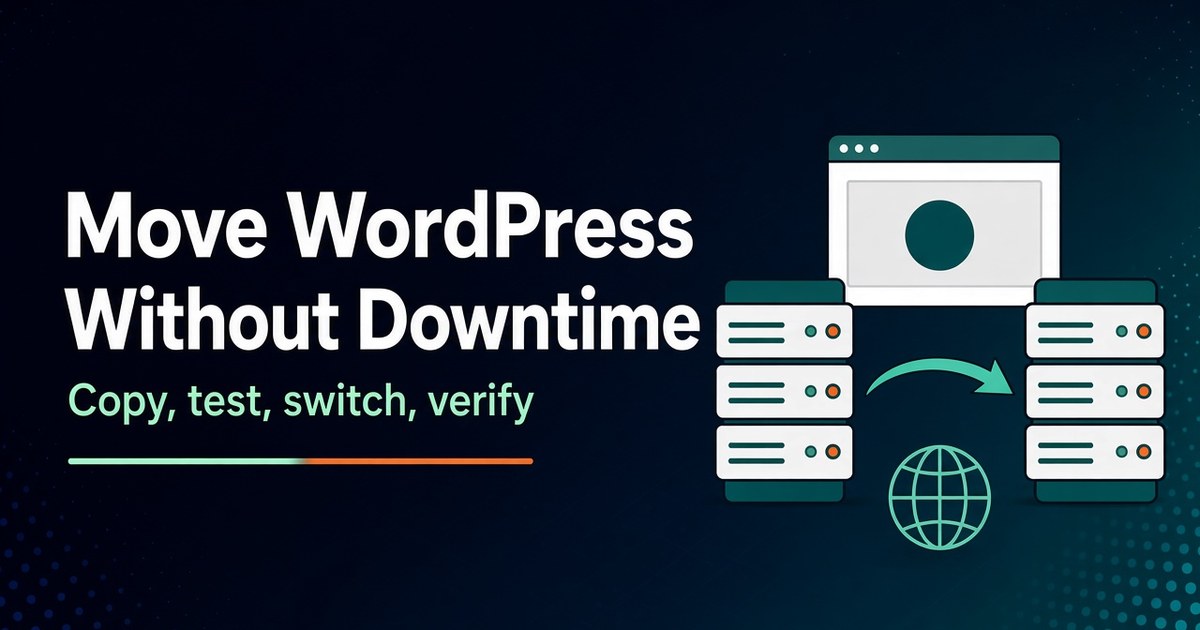
Worry about migration keeps many businesses stuck on hosting they have outgrown. It need not. A capable managed provider treats the move as part of the service: copying the site, testing it on a staging copy, and switching it over with little or no visible downtime. Before you commit, ask whether migration is included and how it is handled. The answer doubles as a useful character test — a provider confident in its platform will make leaving a competitor easy, because it expects you to be glad you did.
Once you are on board, good onboarding shows quickly: SSL active, backups already running, caching configured, and a clear point of contact for WordPress support. If those things are humming within the first day, you have chosen well. If you are still chasing basic setup a week in, that tells its own story about how the rest of the relationship will go.
As a Canadian-owned host running Canadian data centres, 4GoodHosting pairs the operational care a serious WordPress site needs with the location advantages a Canadian audience benefits from. The managed approach folds in performance caching, prompt updates, daily backups, staging, SSL, and WordPress-literate support, while domestic infrastructure keeps latency low and data residency aligned with PIPEDA. For a business that wants its site fast, protected, and handled — without hiring a server administrator to do it — that combination is a practical place to land.
Choosing where to host a WordPress site is really a choice about how much of the technical burden you want to carry yourself. For a site that matters to the business, the managed route trades a slightly higher price for speed, security, and recoverability that would otherwise demand real expertise and constant attention. Add the speed and compliance benefits of staying on Canadian ground, and managed WordPress hosting stops looking like a luxury and starts looking like the sensible default for any business that depends on its website.
Want your WordPress site fast, secure, and off your plate?
See how 4GoodHosting’s Managed WordPress Hosting in Canada handles the caching, updates, backups, and security so you can get back to running the business.
Address: 918 16 Ave NW suite 121, Calgary, AB T2M 0K3, Canada
Phone: +1 403-800-9901
Open 24 hours
Province: Alberta
 November 3, 2026Canadian Hosting
 November 2, 2026Business, Ecommerce
 November 2, 2026Hosting, Managed WordPress Hosting Canada, WordPress
 November 2, 2026Business, SEO
 November 2, 2026Hosting, Security & Compliance, WordPress
 November 2, 2026Business, WordPress